- Mobile money
- Order tracking
 Coming soon onGoogle PlayComing soon onApp Store
Sample preview
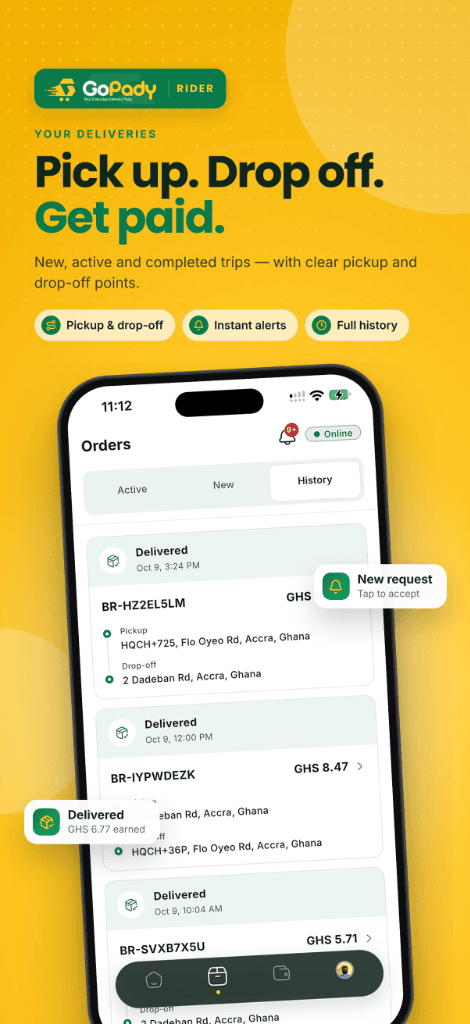
One platform, three sides
GoPady connects customers, vendors, and riders to move food and parcels across Ghana.
Customers
Order food, send parcels, and track it all from one app.
Order trackingVendors
List your business, receive orders, and reach more customers.
Store is OpenRiders
Deliver orders and earn with GoPady Rider.
Go online
Find your side of the platform
Customers, vendors and riders each get an experience built for what they do.
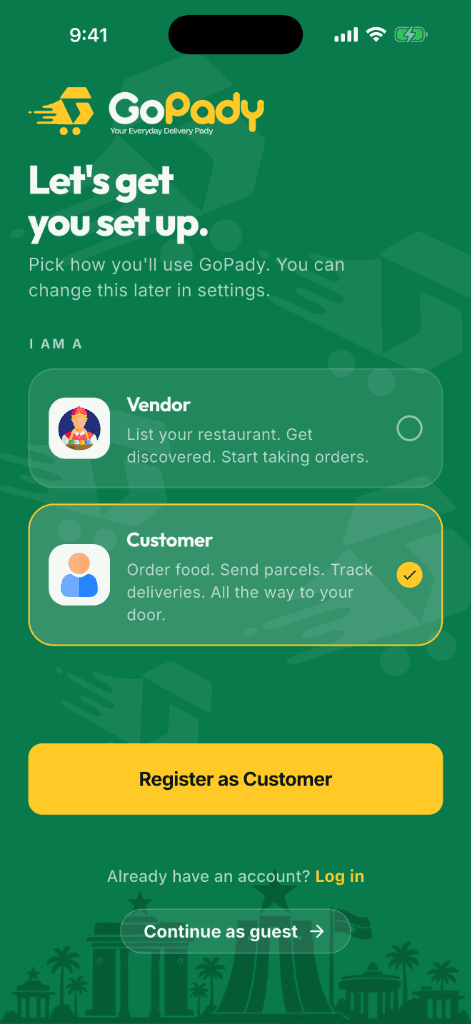
Order. Send. Receive. Track.
Everything you need to get what you want, delivered — all the way to your door.
Discover restaurants & vendors
Browse restaurants and vendors near you and explore what they offer.
Order food, send or receive parcels
Order meals or send a parcel — all the way to your door.
Pay with mobile money
Pay for your orders with mobile money (MTN, AirtelTigo, Telecel).
Track your order
Follow your order status from confirmation to delivery.
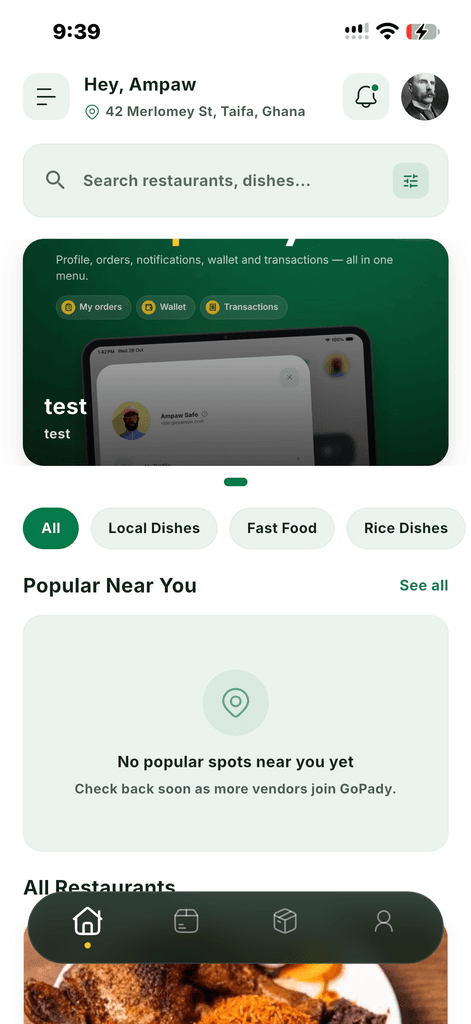
List your restaurant. Get discovered. Start taking orders.
Grow your food business by reaching more customers with GoPady.
List your business
Register your restaurant or shop with a guided sign-up.
Get discovered
Reach customers browsing nearby restaurants and vendors.
Manage your orders
Receive and manage incoming orders in one place.
Track your wallet
Keep an eye on your earnings and payout details.
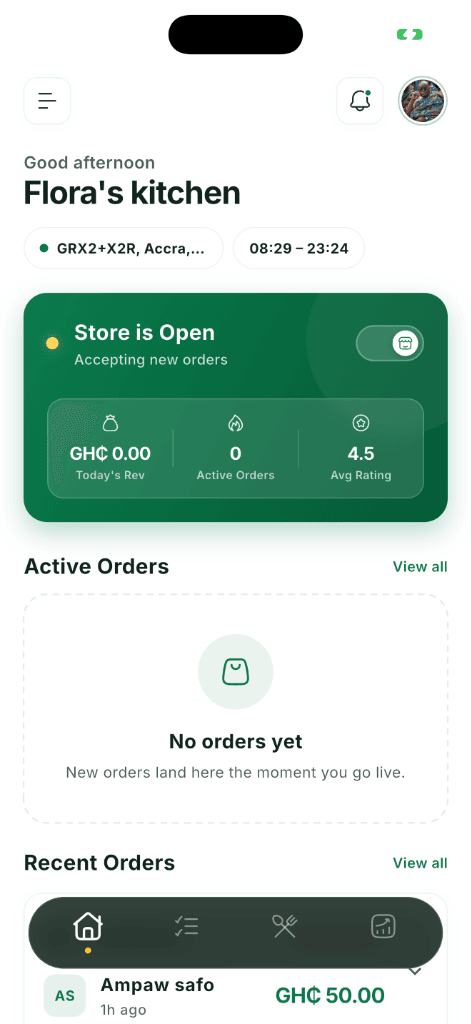
Ride. Deliver. Earn.
Join the riders delivering happiness across Ghana. Fast, reliable, and rewarding.
Accept nearby delivery requests
See new orders as they come in and pick the ones that fit your route.
Manage your rider profile
Keep your personal info, vehicle details, and delivery radius up to date.
Stay on top of your dashboard
Track announcements, setup progress, and recent deliveries in one place.
Get verified and start earning
Complete your verification checklist, then go online and start riding.
Sample preview
From order to doorstep
Whether it's food or a parcel, every order moves through the same four steps.
Order
Browse and place your order or send a parcel.
Vendor prepares
The vendor confirms and prepares your order.
Rider picks up
A rider picks up your order for delivery.
Delivered to you
Your order arrives at your door.
Message your rider, right in the app
Every active order has its own chat with your rider, and you can leave the vendor a note when you order.
Chat with your rider
Message your rider directly in the app while your order is in progress.
Real-time replies
Messages arrive as they are sent, and you can see when your rider is typing.
One chat per order
Each chat is tied to its order, so details never get lost between calls.
Add a note for the vendor
Add a note when you order, like a special request, and the vendor sees it with your order.
Sample preview
Fast, reliable, and simple to use
Fast
Get your food or parcel moving quickly, from order to doorstep.
Reliable
A platform built for consistent, dependable delivery.
Multiple vendors
Choose from a growing list of restaurants and businesses.
Simple ordering
Order in a few taps, right from the app.
Mobile money payment
Pay for your orders with mobile money.
Easy tracking
Know where your order stands, every step of the way.

Get the GoPady app today
Your Everyday Delivery Pady
Coming soon onGoogle PlayComing soon onApp StoreOne app for customers and vendors — choose “Vendor” during setup to list your business.